


Could you just explain it live again? Sure. Once or twice, that’s fine. By the fifth time, it starts to feel like maybe the explanation should live somewhere else.
That’s usually where training videos make sense. Not because every process needs a full course around it, but because some things are easier when everyone gets the same explanation, in the same order, without needing to book another meeting.
Let’s look at how to make that kind of training video in Icareus Video Cloud!
When is a training video worth making?
It’s worth it when onboarding new employees, introducing a process, or walking through a system: with things that don’t change every day, but need to be understood clearly.
Some things are too small, too temporary, or too dependent on the situation. But for any situation where the same thing needs to be explained more than once, training videos are useful.
Where to start
Unlike a quick sales video, a training video usually benefits from a bit of structure.
You probably already know what needs to be covered – maybe you have slides, a checklist, a process document, or just the order you normally explain things in. That’s enough to start.
The goal isn’t to make a perfect video, it’s to make the explanation easy to follow.
A simple way to plan it is to consider these questions:
- Before: What context does the viewer need before the walkthrough starts?
- During: What needs to be shown on screen for the explanation to make sense?
- Risk points: Where might people get lost?
If you can answer those, the structure usually becomes much easier to see.
How should the video be structured?
For some training topics, a screen recording is enough. You show the system, talk through the steps, and trim the parts you do not need.
But often, combining a few elements makes things easier to follow. Like this, for example:
- Showing slides while explaining to give the topic structure
- Keeping the presenter visible to make the explanation feel less detached
- Highlighting the relevant part of the screen
Build the video
Instead of just recording and trimming, this is where Icareus Studio becomes useful.
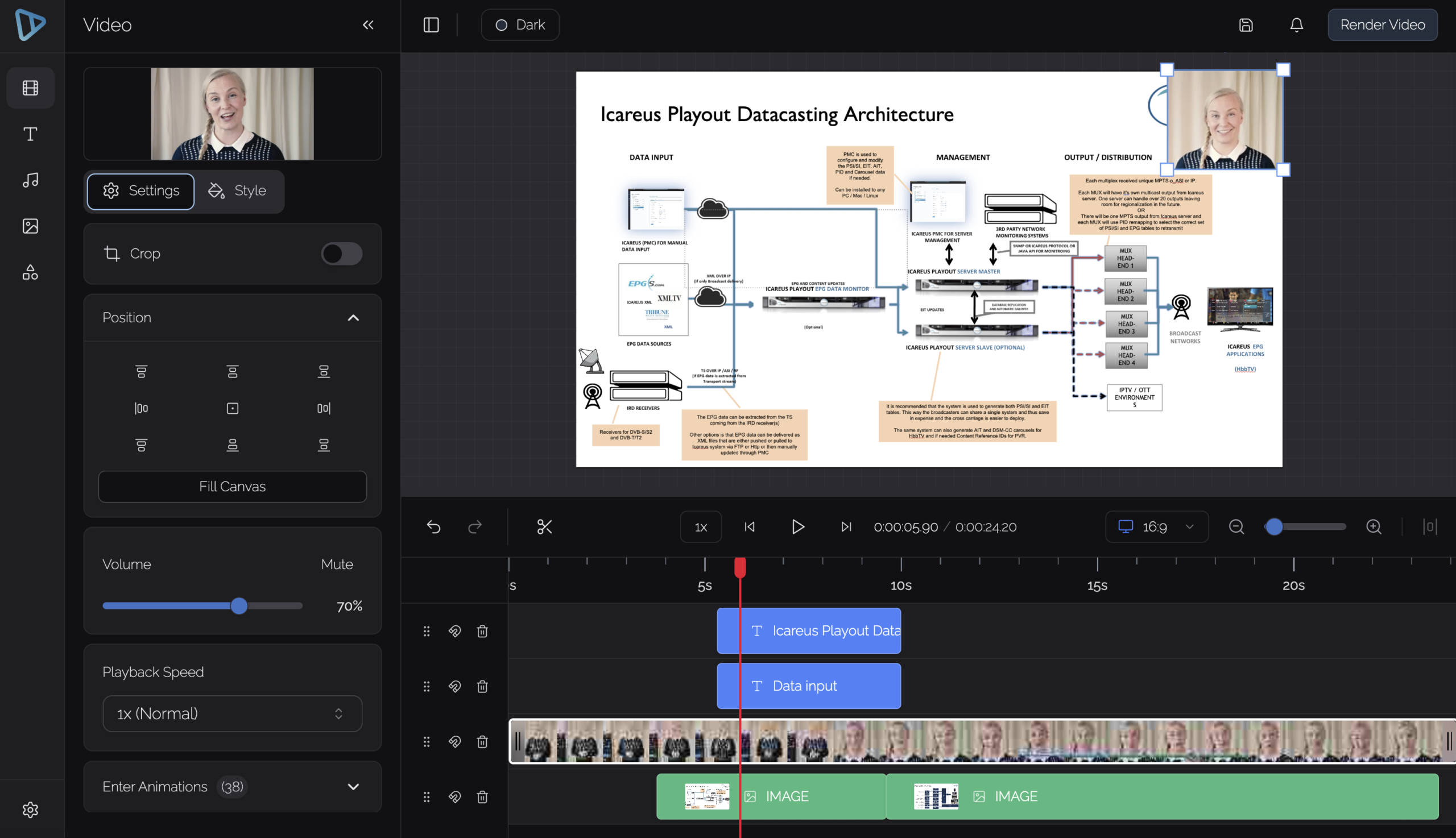
You can combine slides, screen recording, and presenter video into one layout, instead of forcing everything into a single recording. The viewer can see the explanation and the thing being explained at the same time.
The goal isn’t to make it look polished, just easy to follow. Remember: perfect is the enemy of done.
Polish only where it helps
Training videos do not need to be flawless.
A pause here and there isn’t a problem. A natural explanation is usually better than something that feels over-scripted. What matters is that the viewer can follow the topic without someone sitting next to them to explain it again.
Useful edits are usually simple ones. Cut the messy start, remove the part where nothing happens, make sure the important thing is visible, add captions if they help.
Make it easier to follow
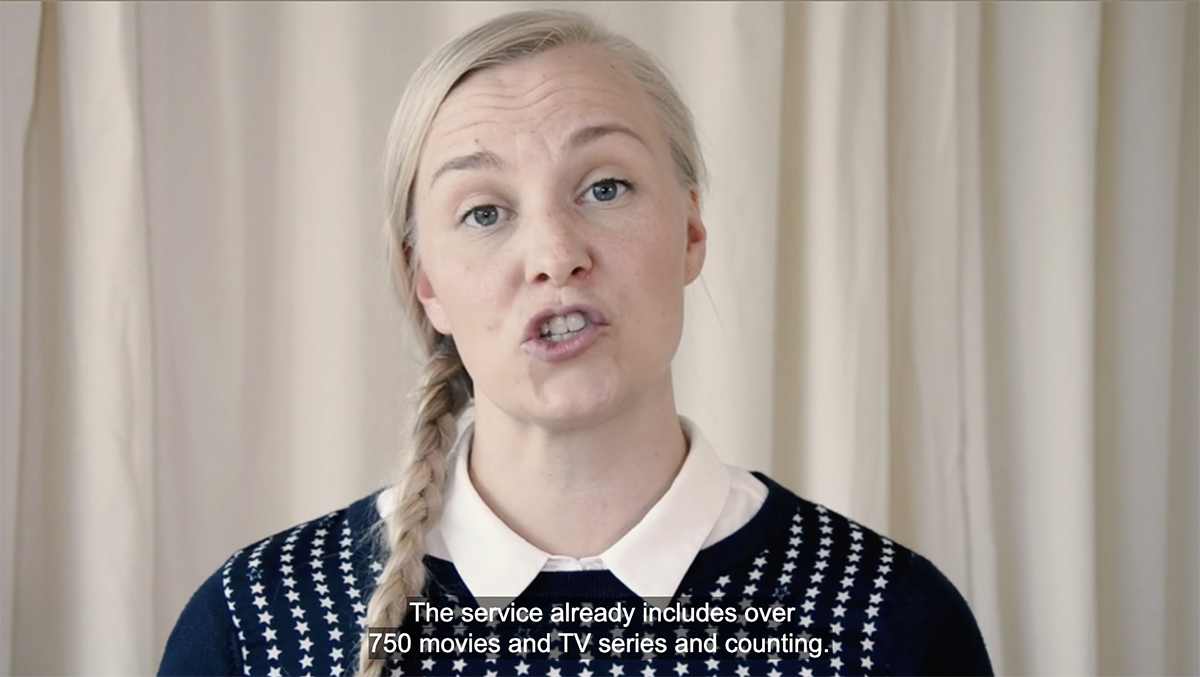
Captions are especially useful in training content.
They help viewers follow along at their own pace, revisit specific parts, and understand terminology more easily.
A transcript also makes the content easier to search and reuse later.

Publish it where people can actually find it
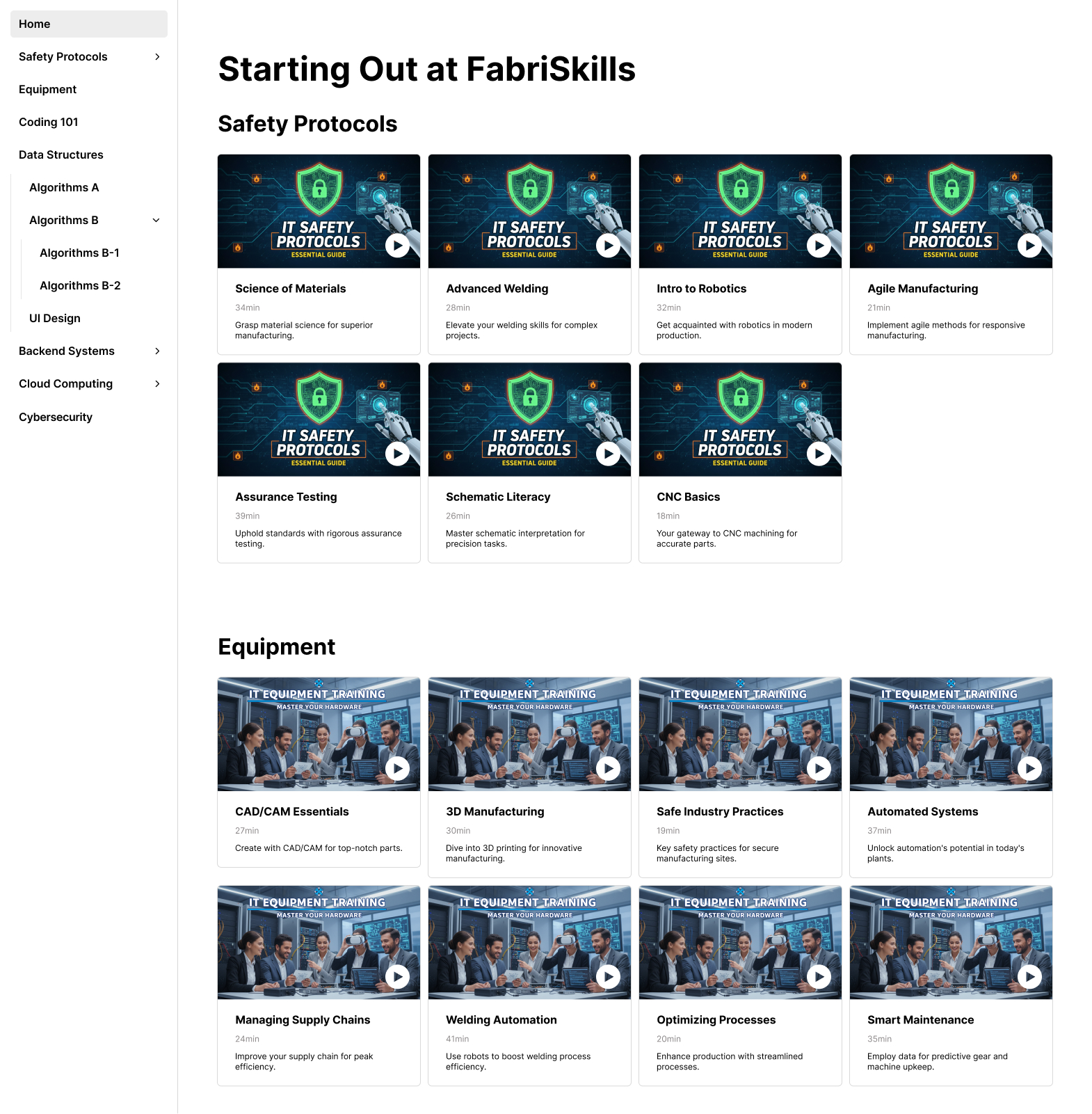
Instead of sharing individual videos, it often makes more sense to organize them into a structured whole. A training video is not very helpful if it ends up as a random file in a chat thread.
A video page can include the video, supporting text, and related materials. Several videos can be grouped together by topic, role, or stage. If the training is part of a more formal learning process, the same content can also be published into an LMS.
Access can be controlled when needed, for example by requiring login or limiting the content to specific users.
This might sound obvious, but it bears repeating: people should know where to find it. Make it easier for them.
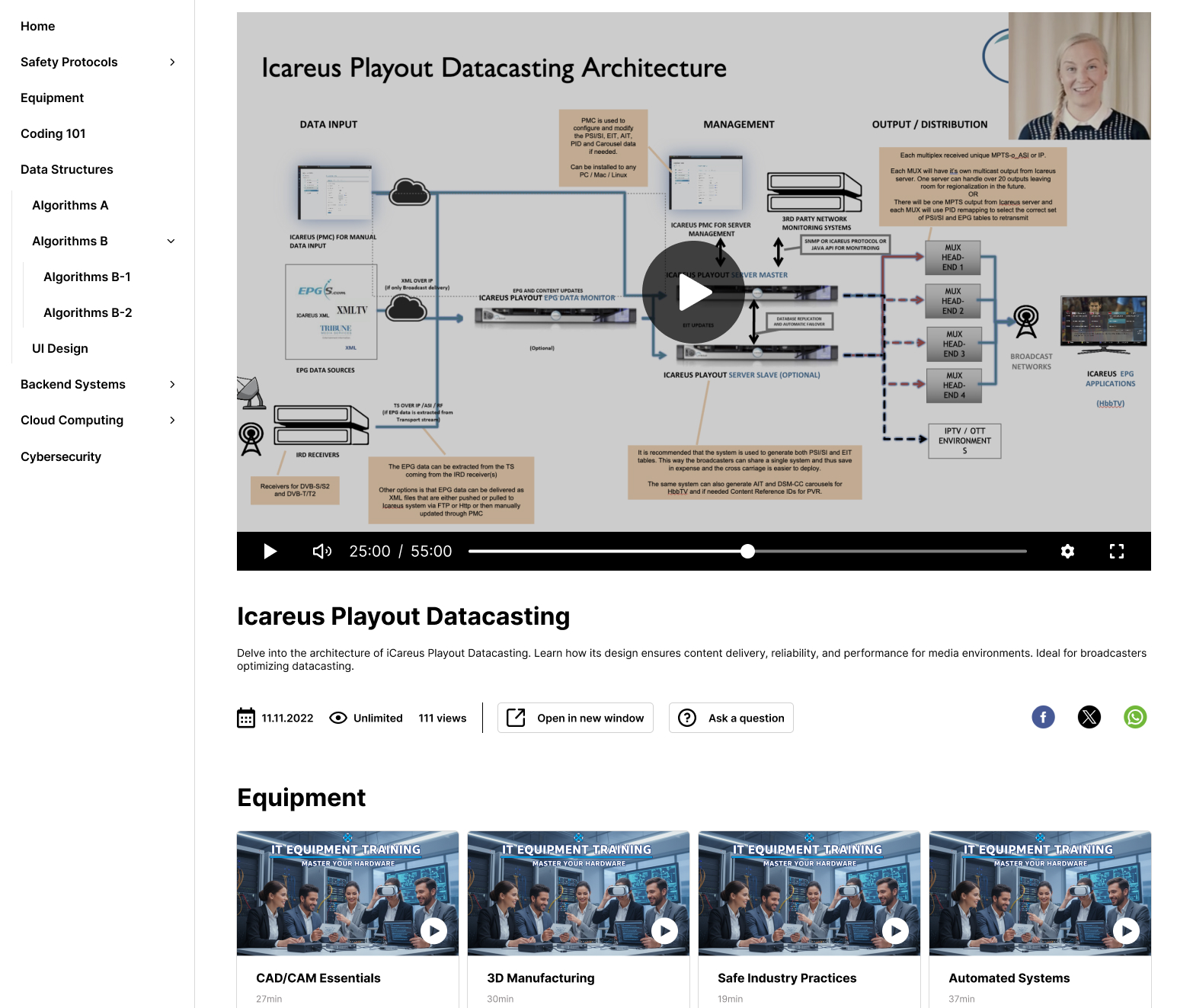
What this looks like in practice
Instead of recording one long training session, you might split the topic into a few shorter videos: an introduction, the actual walkthrough, and maybe a separate video for the FAQ.
Each video stays short enough to be easy to digest, and together they form a clearer learning path.
That’s usually easier to maintain than one long recording, and easier to revisit when someone only needs one specific part.
Try it
The next time you explain the same process for the third or fourth time, consider recording it instead. Add just enough structure to make it clear, and organize it so others can find it later.
This is usually enough to turn a repeated explanation into useful training content.
For more detailed instructions in how to do it all in Icareus Video Cloud, you can check our Helpdesk.