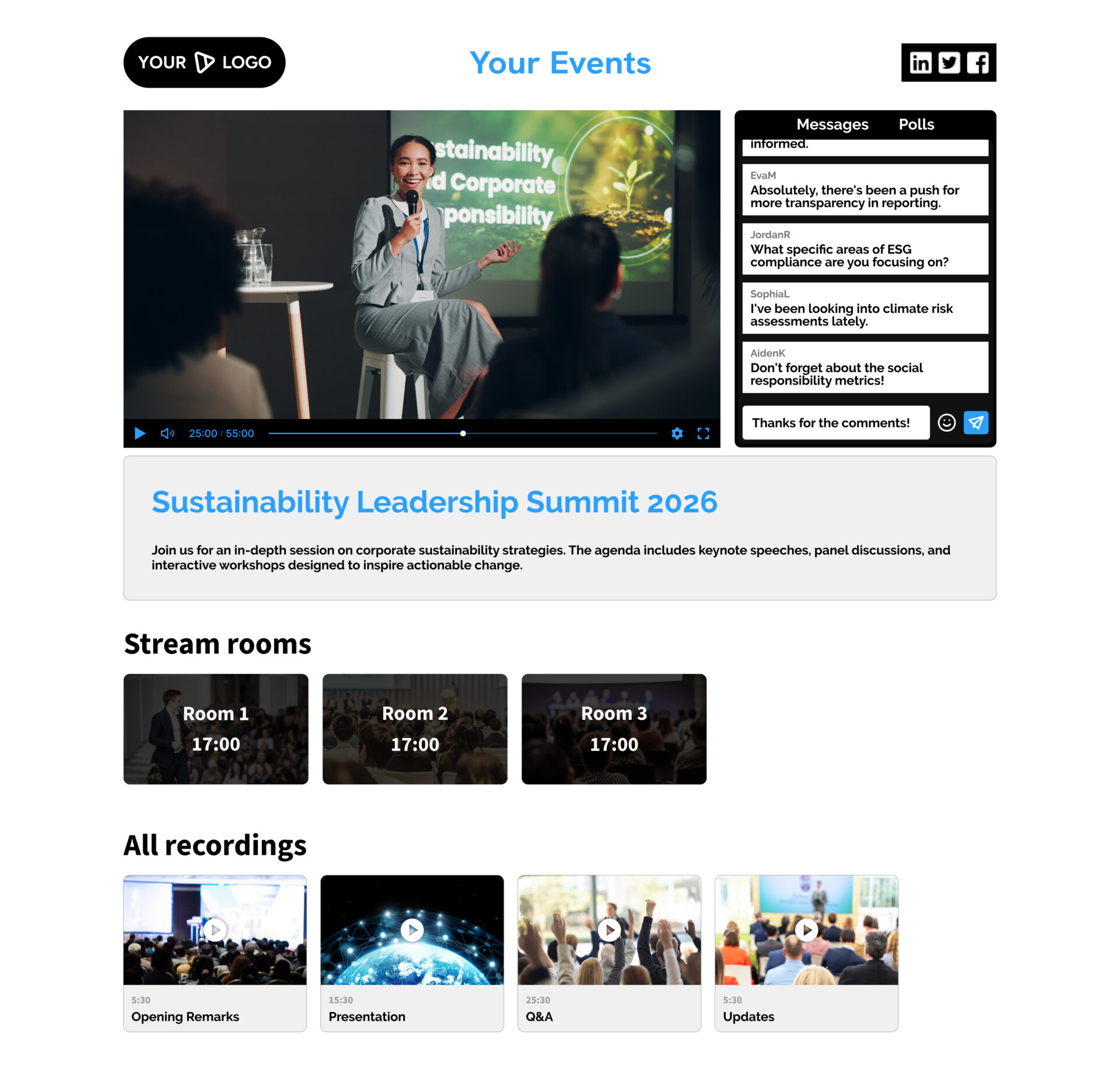
Stream, engage, and continue the experience beyond the live moment.
Host live events and webinars with a branded viewing experience, built-in interaction, and automatic recording.
Run live events your way
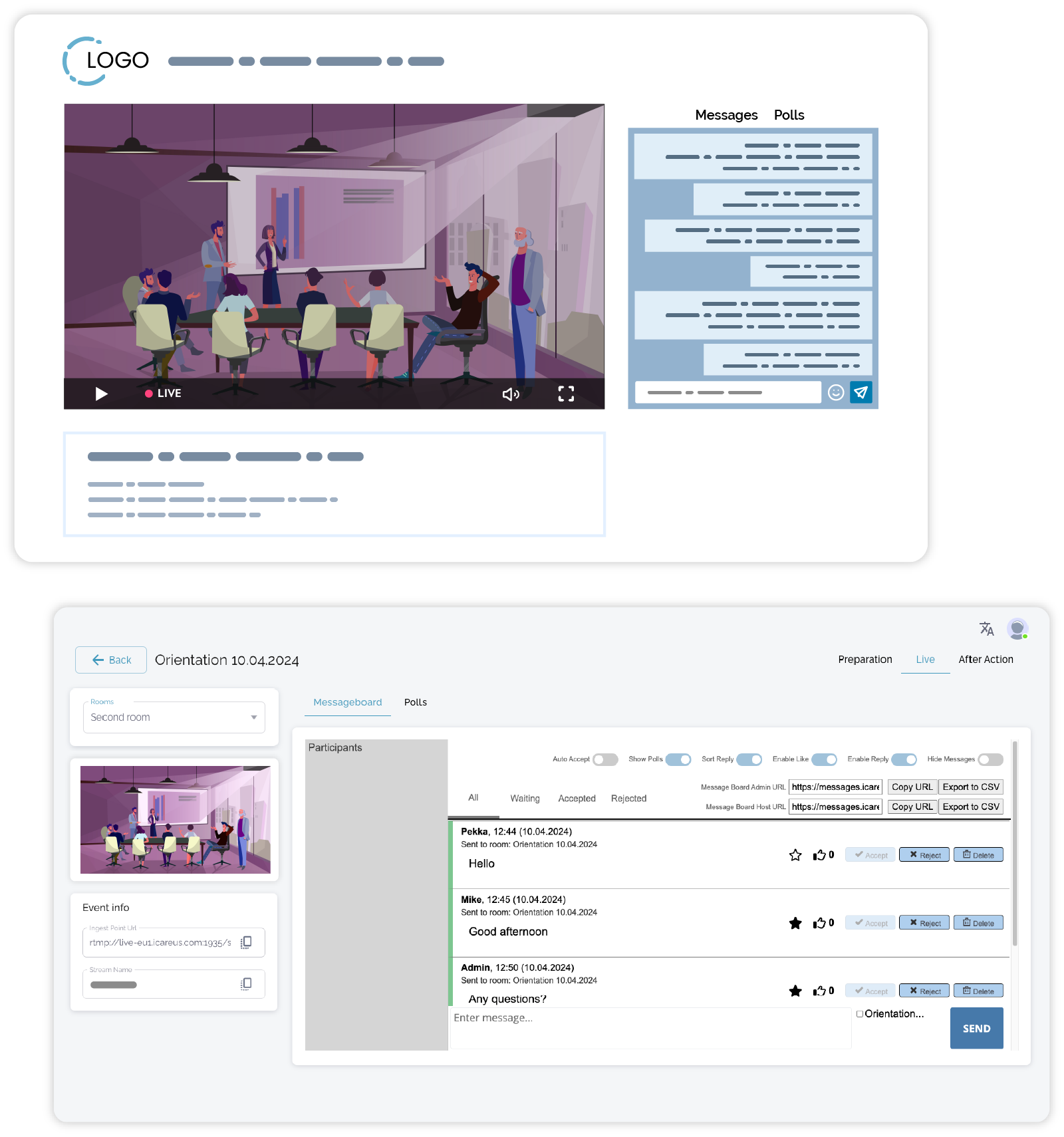
Set up and deliver live events through a dedicated event page with a fixed URL you can share in advance.
Whether it’s a webinar, internal session, or public broadcast, the event page acts as the central place where your audience joins and follows the stream.
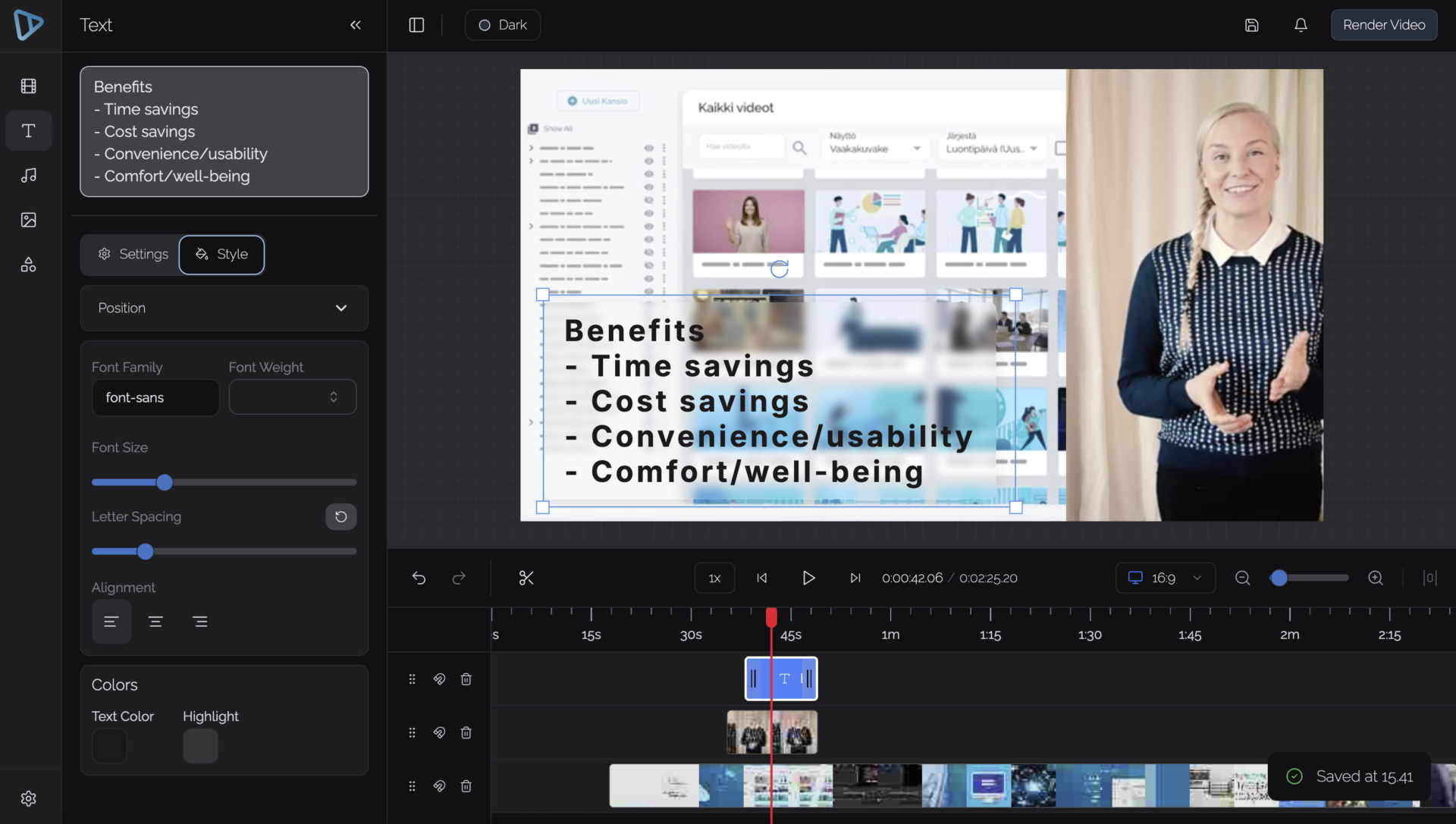
You can define how the event is presented – for example combining video, slides, or other content depending on the format.
Engage your audience
Make the event interactive, not just watchable.
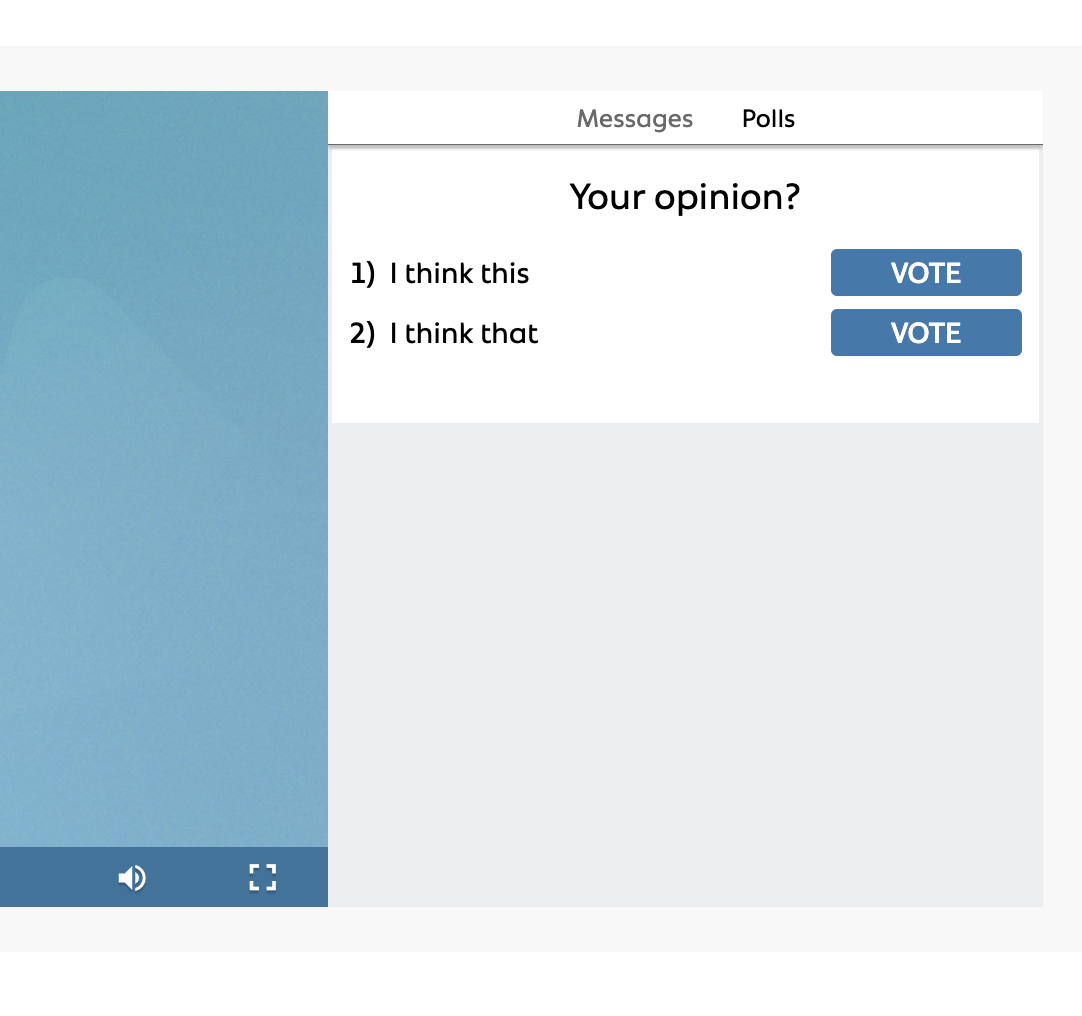
Live events can include features such as chat, Q&A, and polls, helping you keep viewers involved throughout the session.
For more interactive setups, live streams can also be combined with video conferencing tools to enable two-way participation.
Deliver a branded viewing experience
Your event should look and feel like part of your own environment.
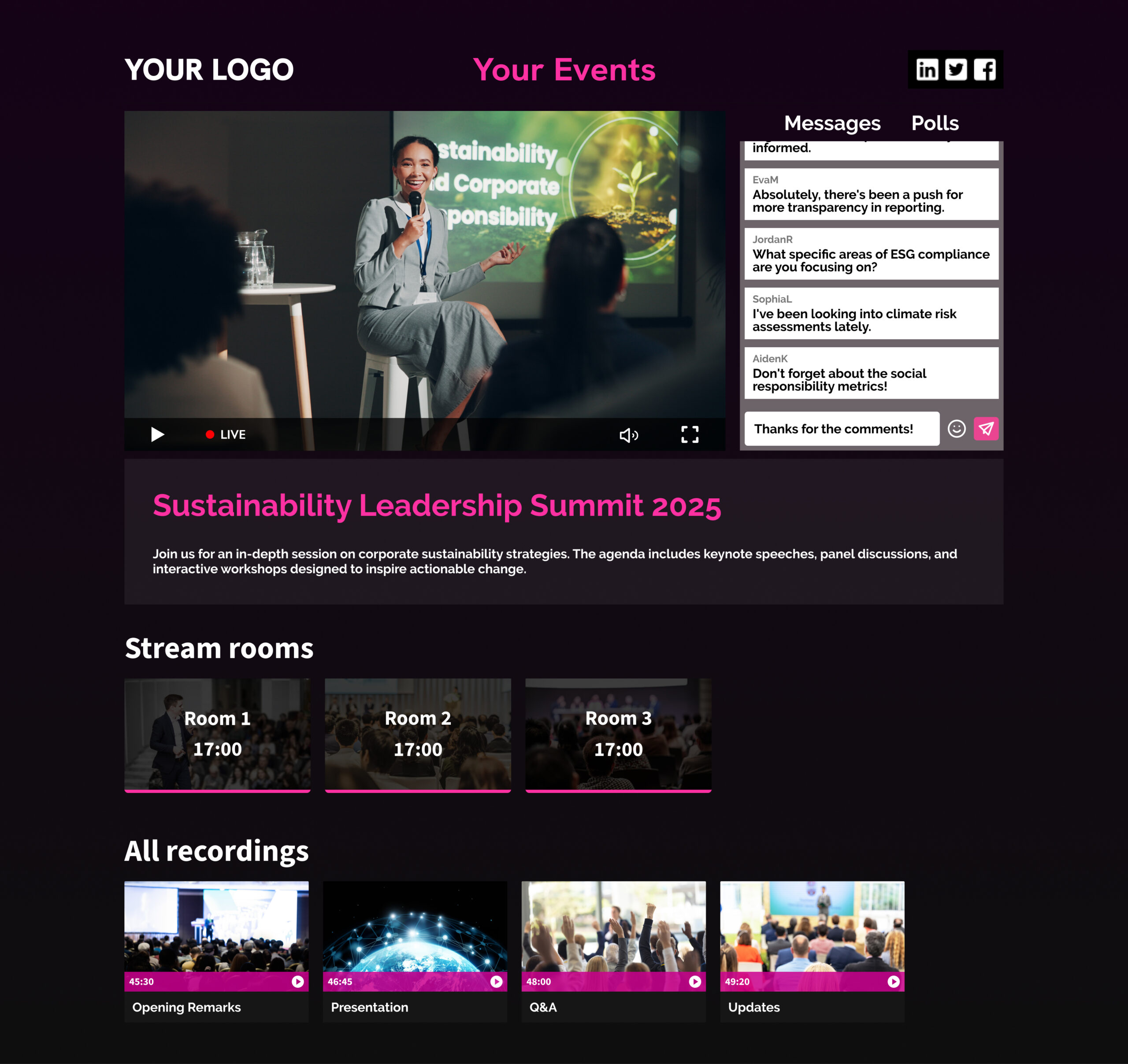
Event pages and video players can be styled to match your brand, including layout, colors, and visual structure.
This keeps the experience focused and consistent, without unrelated content or external distractions.
Control who can access your events
Not every event is meant for everyone.
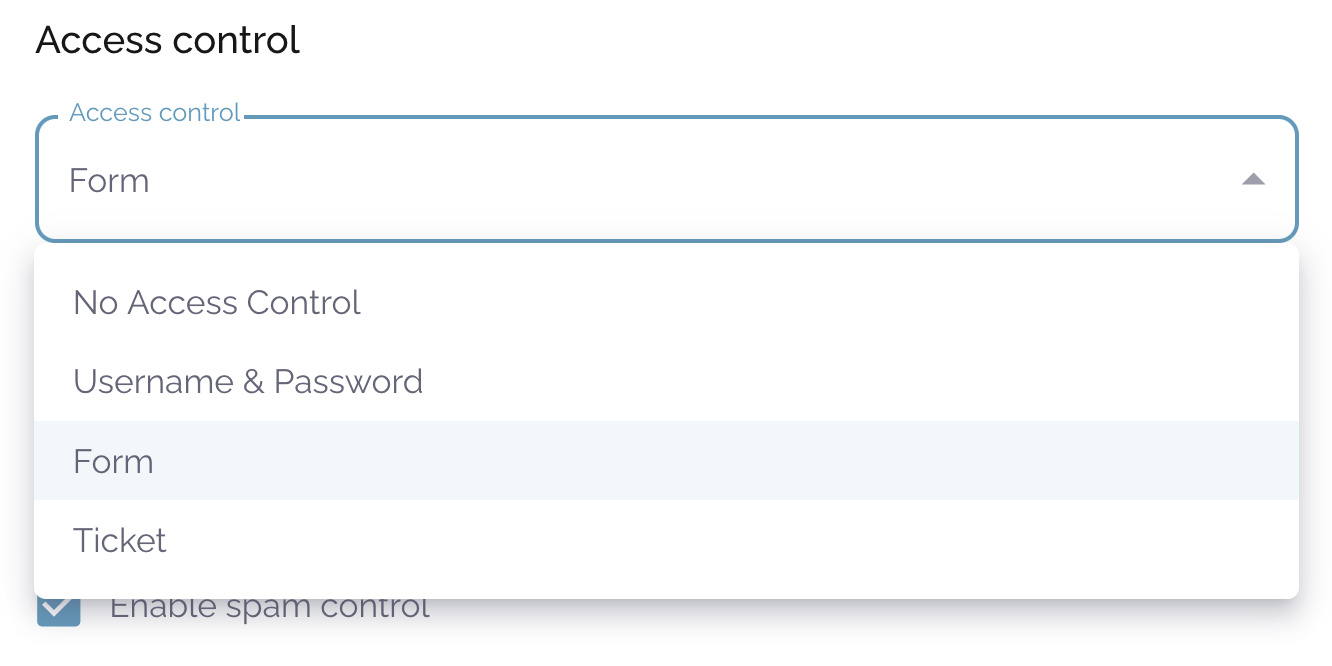
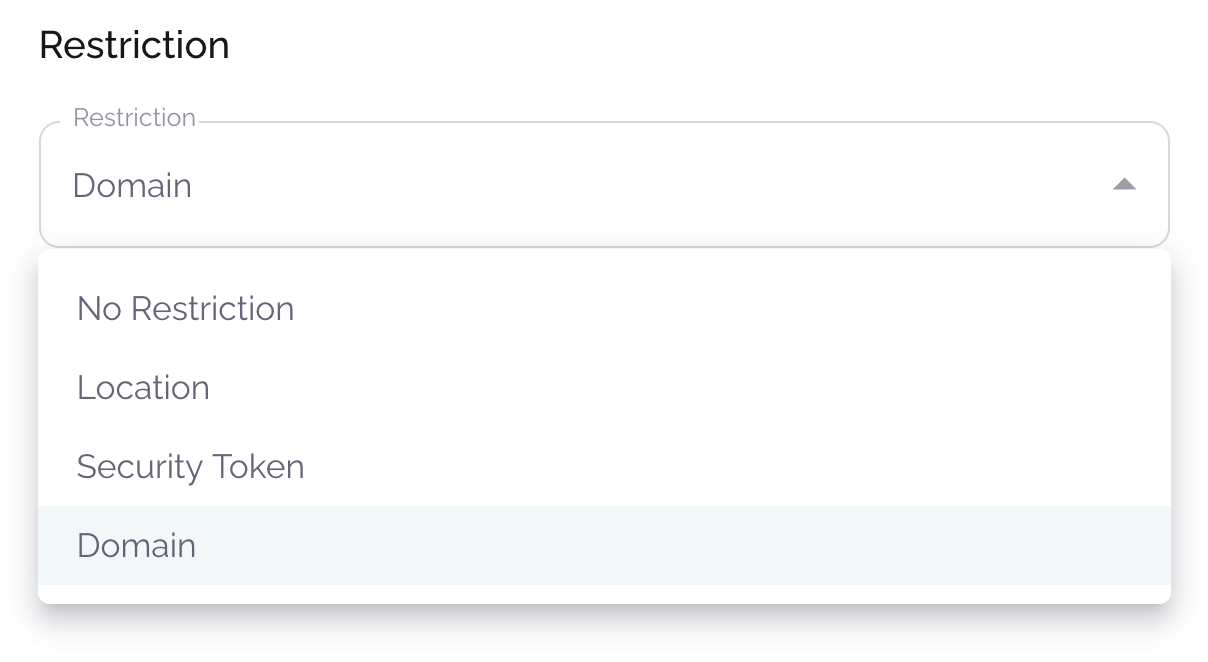
Access can be configured based on your needs:
open to all viewers
restricted behind login
limited to specific user groups, domains, or locations
This makes the same setup suitable for public webinars, internal communication, and restricted events.
Collect attendee information
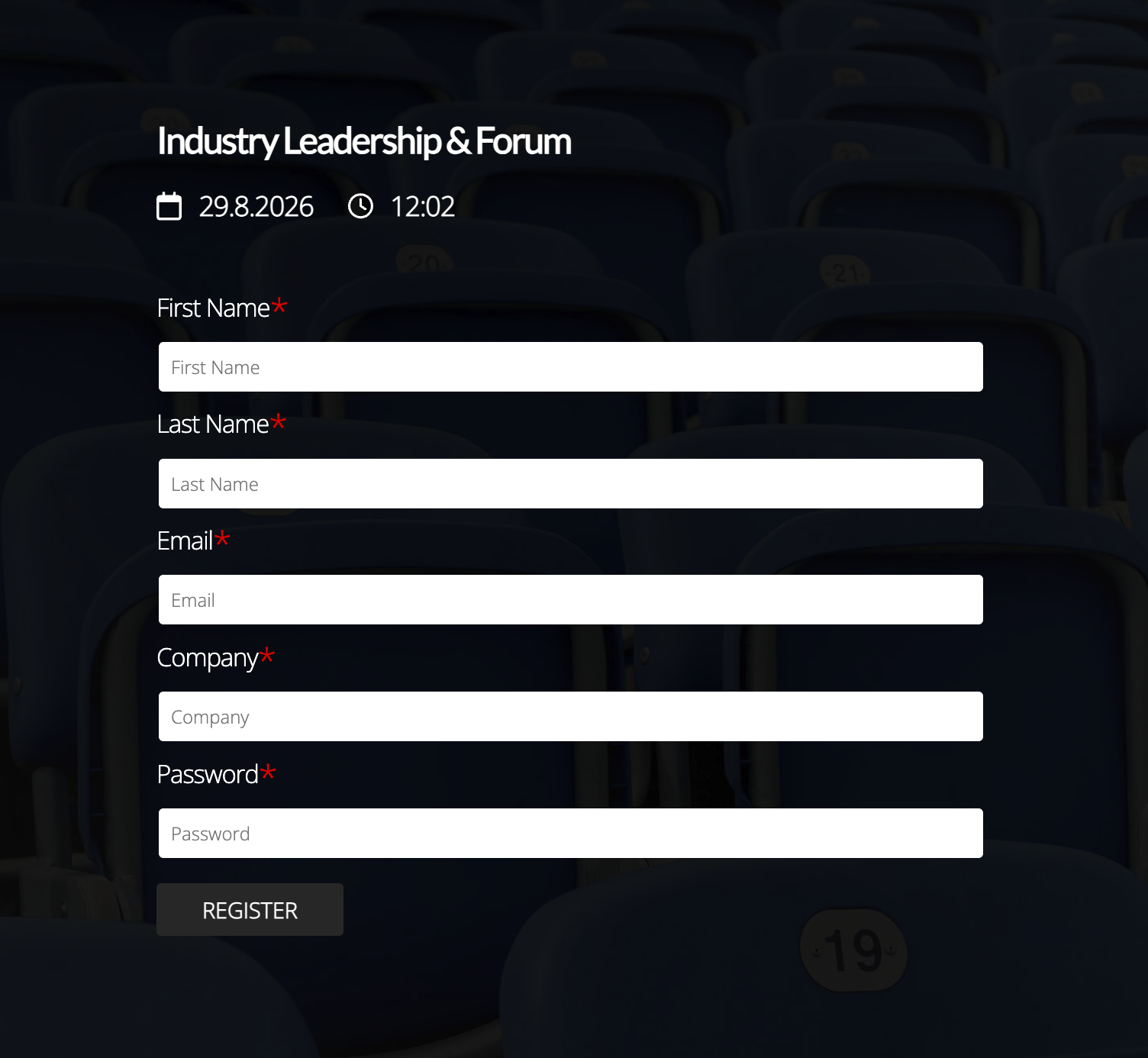
Use registration forms to collect the information you need before viewers enter the event.
You can create forms with fields such as name, email, company, and other attendee details, and define which fields are required. This makes it easy to use webinars and live events for lead generation, registrations, and attendee management.
Forms can be reused across events, so you can keep the registration experience consistent while adapting the fields to different audiences or event types.
Record and continue after the event
All live events are recorded automatically – no extra steps required.
When the event ends, the recording is immediately available as a video asset. It can be watched on-demand, shared further, or refined if needed.
Recordings can also be connected to the event page, allowing viewers to return to the same place to watch the content afterwards.
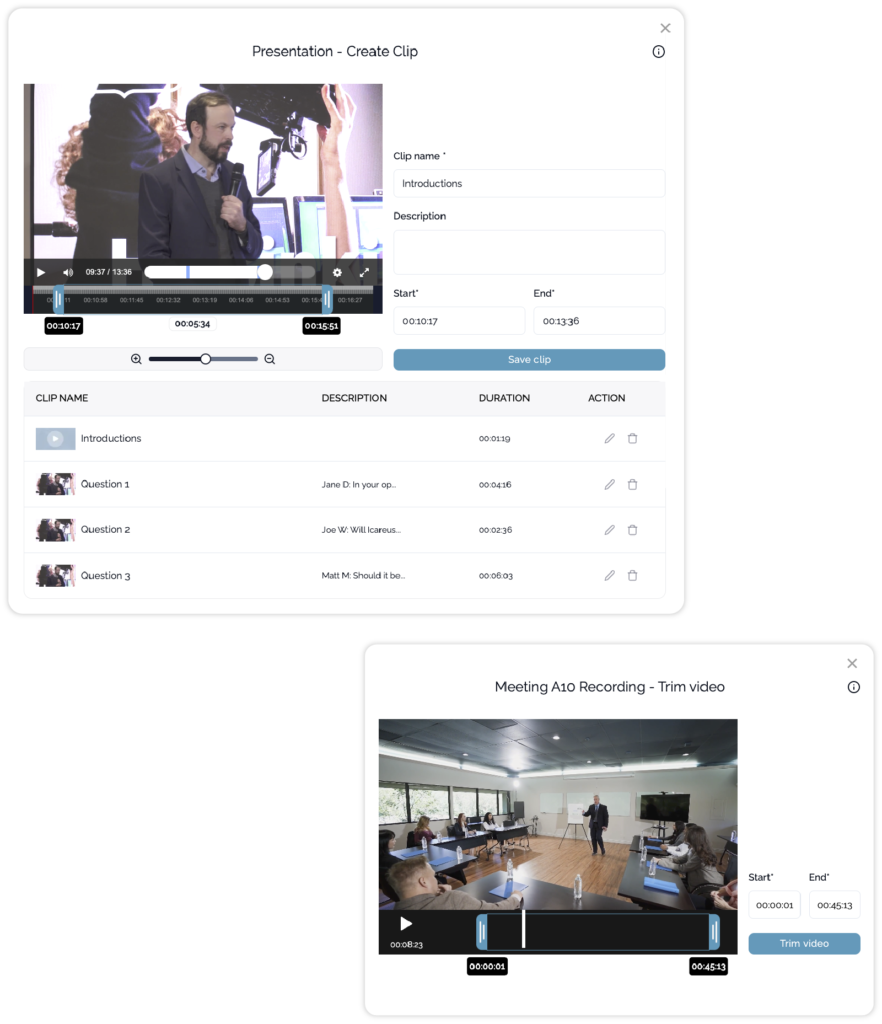
Edit or refine
You can trim the event, adjust the content, or create shorter clips using the editing tools in Icareus Video Cloud.
Share & publish
Use your recordings where they make sense.
Once available, recordings can be used in different contexts depending on your needs.
They can be:
watched on the event page
shared as standalone videos
embedded into websites or intranets
included in pages, portals, or content libraries
If needed, streams and recordings can also be distributed more widely – for example by embedding them into your own services or sharing them through external platforms.
Over time, individual events can become part of a larger collection of content, supporting communication, training, or ongoing video services.