



Why would you send a video? Surely an email would be easier? Probably. But would it be as effective?
Sometimes writing three paragraphs still doesn’t explain what a 60-second walkthrough would. And “just following up” might be an easy choice, but just as easily ignored.
Personalized outreach significantly outperforms generic messaging in nearly every key metric. Personalized videos aren’t a new idea either. So why isn’t everyone using them all the time? Probably because it takes just enough effort that people end up skipping it. Recording in one place, editing in another, uploading somewhere else. It adds up.
Let’s look at a way to do it that’s actually fast enough to become a habit, with Icareus Video Cloud!
When is a video actually worth it?
Of course, not every message needs a video. That would be a lot. But some situations are almost designed for it:
- “Let me show you what I meant in the demo”
- “Here’s how this would work in your case”
- “This feature is easier to see than explain”
That’s your cue.
Where to start
A personalized sales video shouldn’t try to do too much. Start with a quick introduction, show the relevant part, explain what matters for that specific person. It doesn’t need to be a whole production – just useful.
For a quick, no-frills explanation, recording yourself is the fastest option.
You open Recorder, capture your screen (and/or your webcam), talk through the thing, and stop.

If you already have a demo or a longer recording, you don’t need to start over. Upload it or pick it from your existing library and work from there instead.
Polish the video
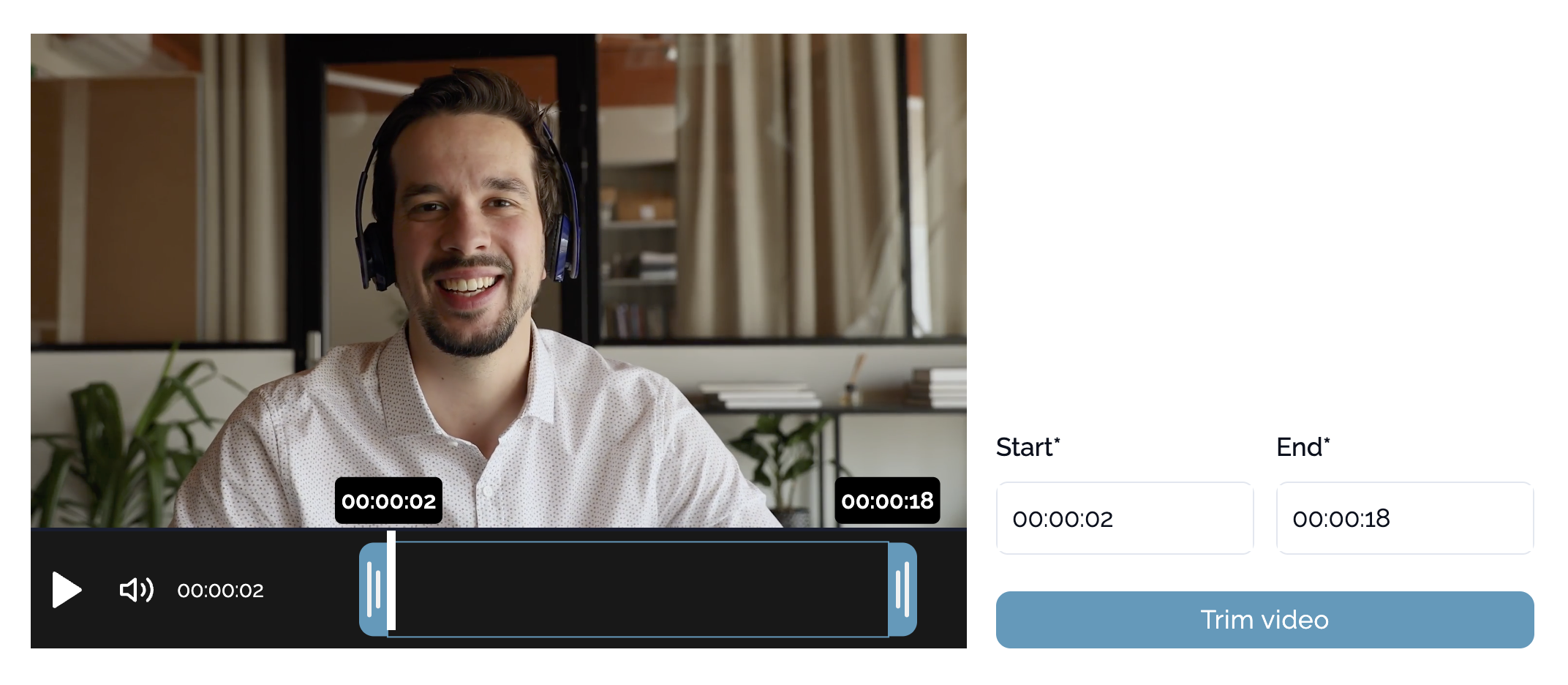
This is where you decide how much editing you actually need. Sometimes that amount is ‘none’ – you just need to remove the first 20 seconds where you say “can you see my screen?”
If you want to make the video clearer, not just shorter, Studio gives you more control. You can combine your screen and camera, adjust how things are positioned, and make sure the important part is actually visible.
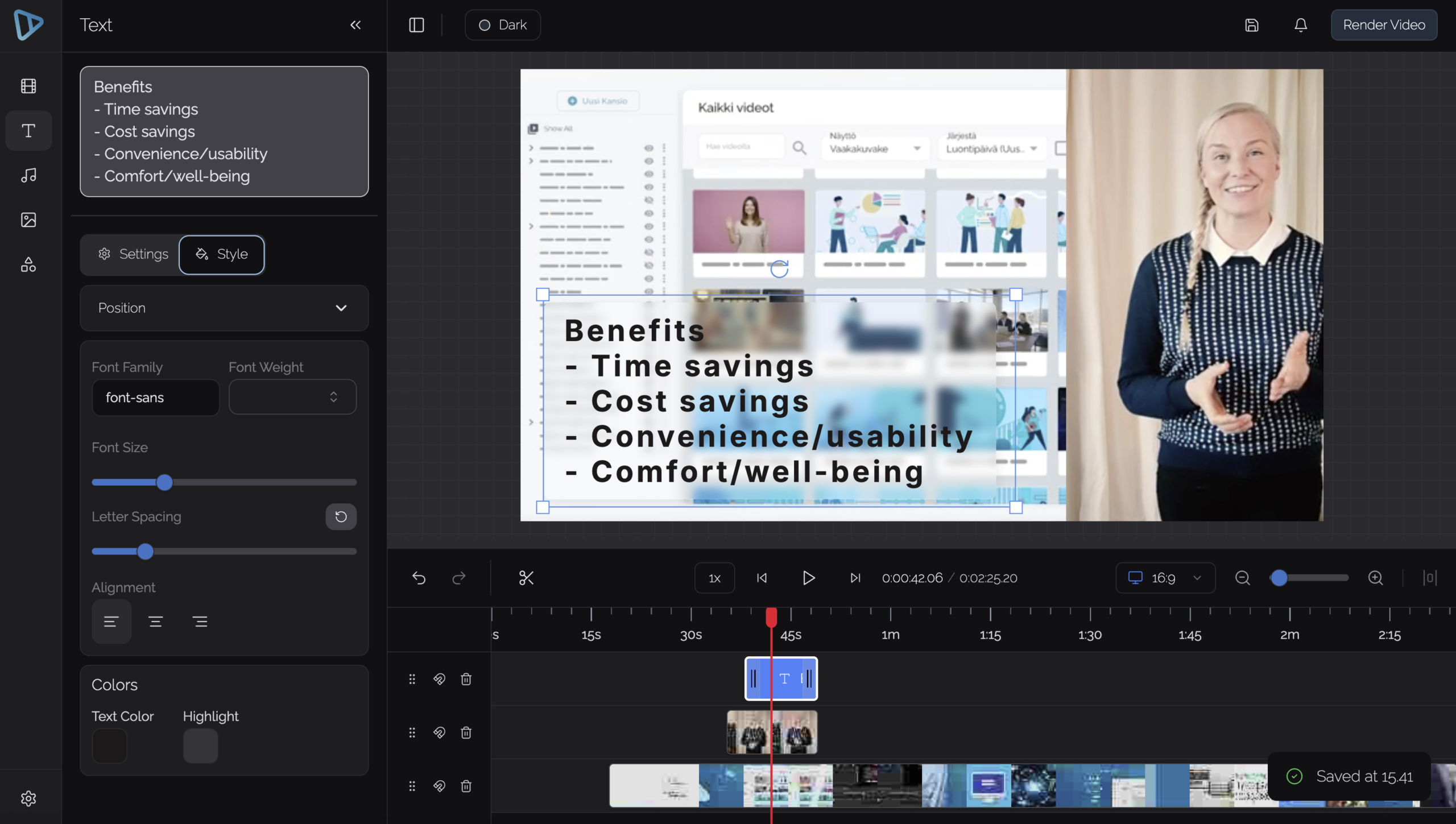
At this point, you already have a finished video asset. For most sales situations, that’s enough.
Share it
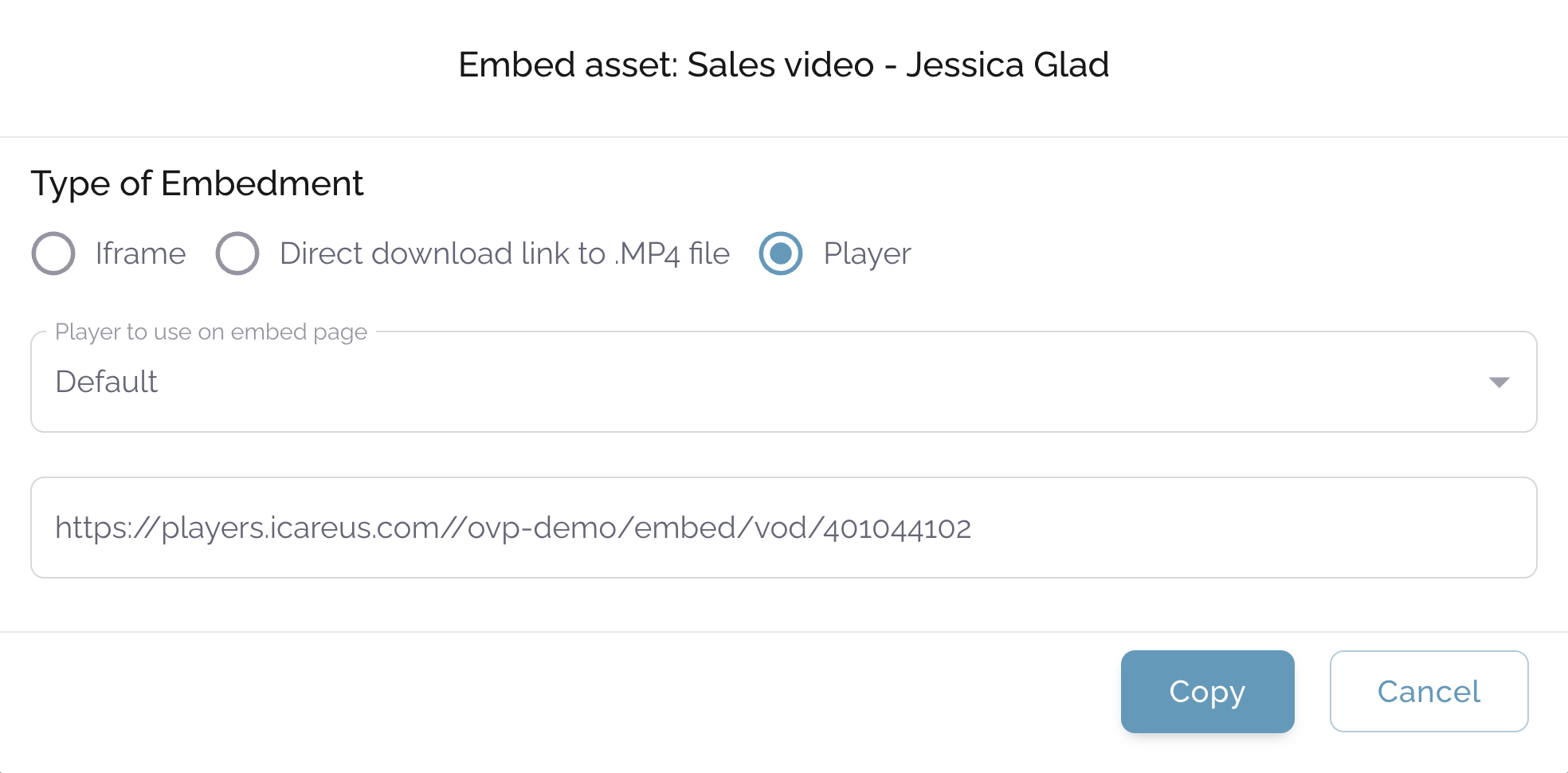
Once the video is ready, the simplest way to use it is as a direct link.
You can drop it into an email, a Teams message, or a Slack conversation. It opens in a player view immediately, without requiring anything from the viewer.
There’s no separate upload step, no “where should I host this” decision, and no need to move the file between tools. The video is already where it needs to be.
That’s what makes this approach usable in everyday sales work: it fits into the same workflow you already use.
Try it
The next time you’re about to write a longer follow-up, try recording it instead.
Keep it simple. Record what you want to show, trim what you don’t need, add captions if it helps, and send it as a link. That’s usually enough to get the point across, often more effectively than text.
For more detailed instructions in how to do it all in Icareus Video Cloud, you can check our Helpdesk!