


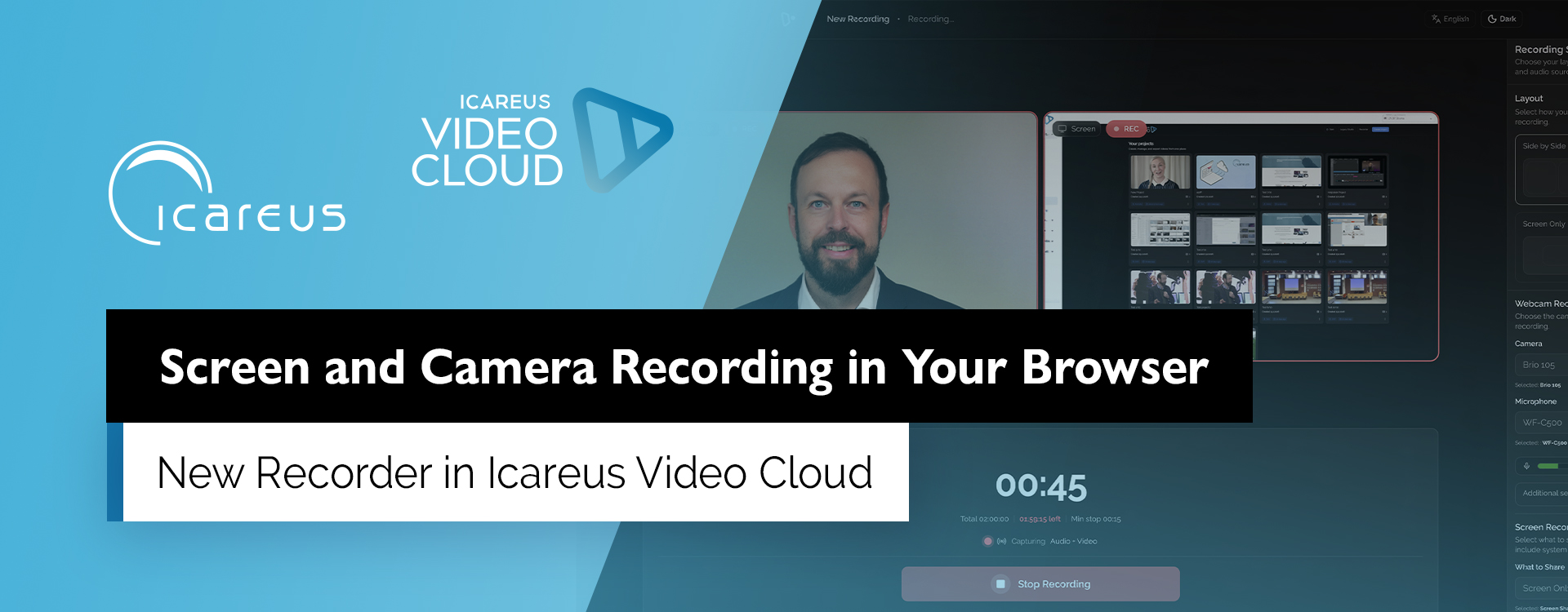
A new Recorder tool has been released in Icareus Video Cloud, making it easy to record your screen, webcam, or both directly in your browser.
Recorder simplifies the creation of training, tutorial, and demonstration videos. You can record software walkthroughs, screen capture videos, or presentations without installing any separate applications – everything happens directly inside Icareus Video Cloud.
After recording, the videos can be added straight to the media library and used as they are, or further edited and polished in Icareus Studio.
The new Recorder replaces the previous screen and webcam recording functionality that was part of the Legacy Studio.
Recorder is ideal for creating
- training and onboarding videos
- software tutorials and instructions
- presentation or demo recordings
- screen capture videos
- picture-in-picture videos where both the screen and camera are visible
Key features
- record screen, webcam, or both simultaneously
- microphone and system audio recording
- recordings saved directly to the Icareus Video Cloud media library
- option to refine videos easily in the Studio editor
Recorder can be found in the Studio projects view via the Recorder button.
Read more about how to use Recorder in our Helpdesk guide.